
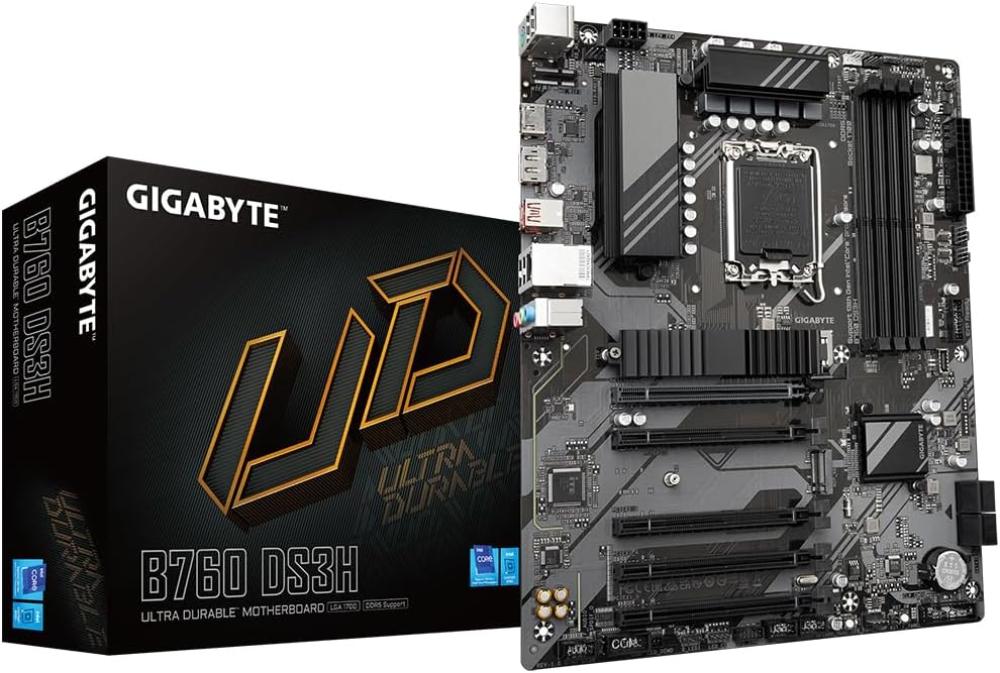
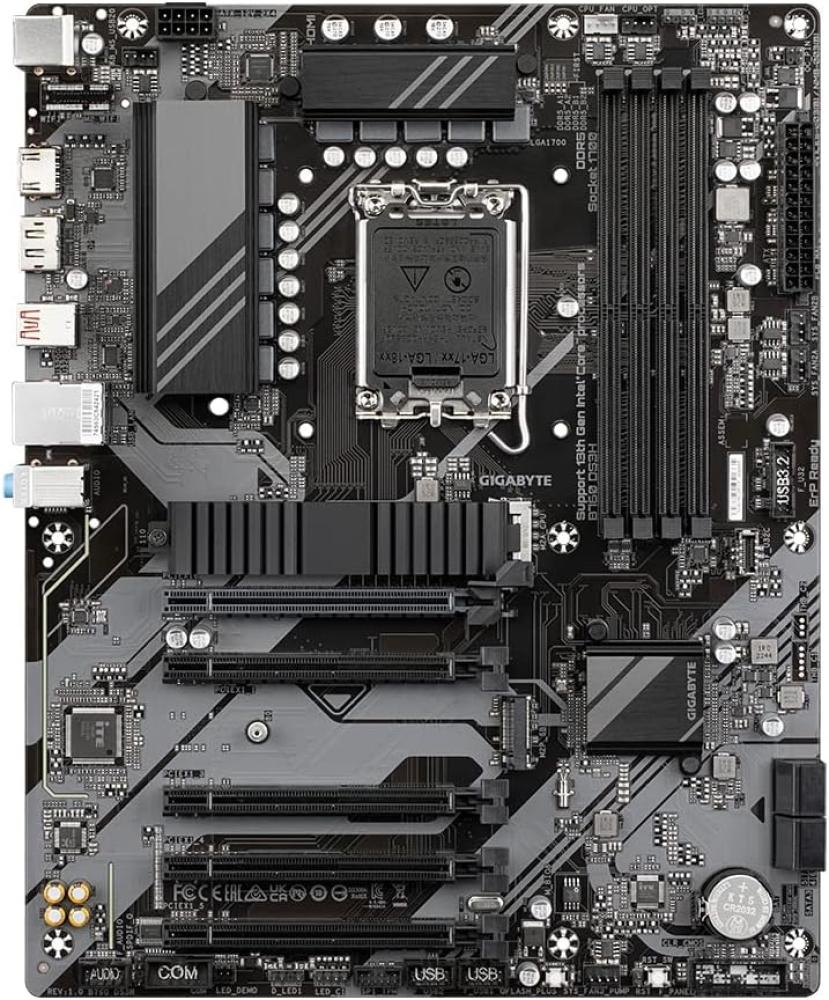
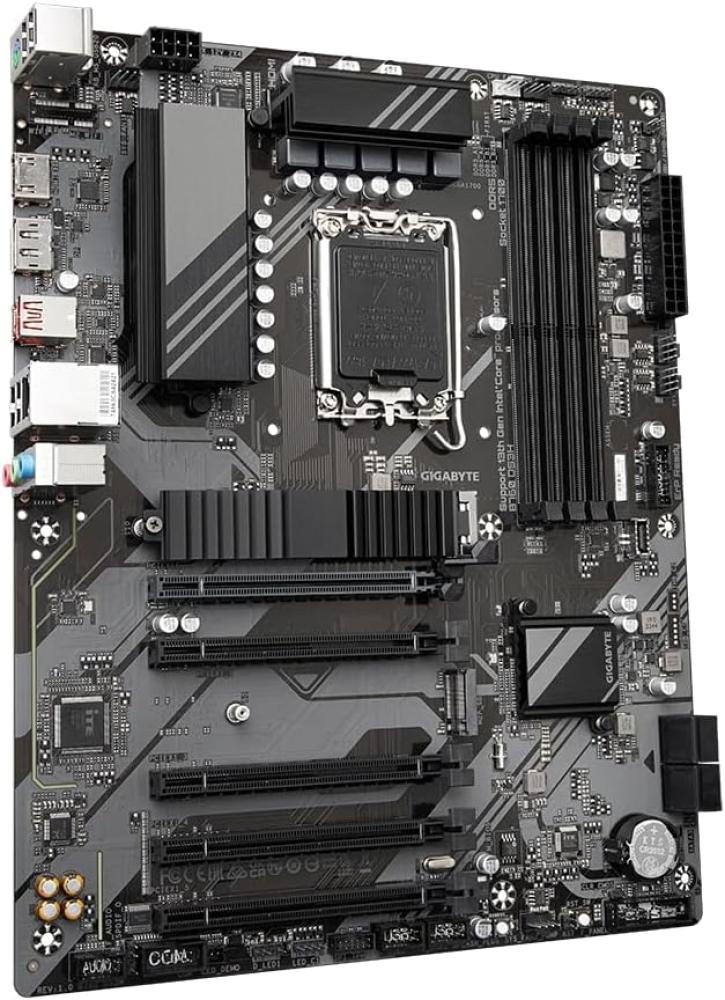
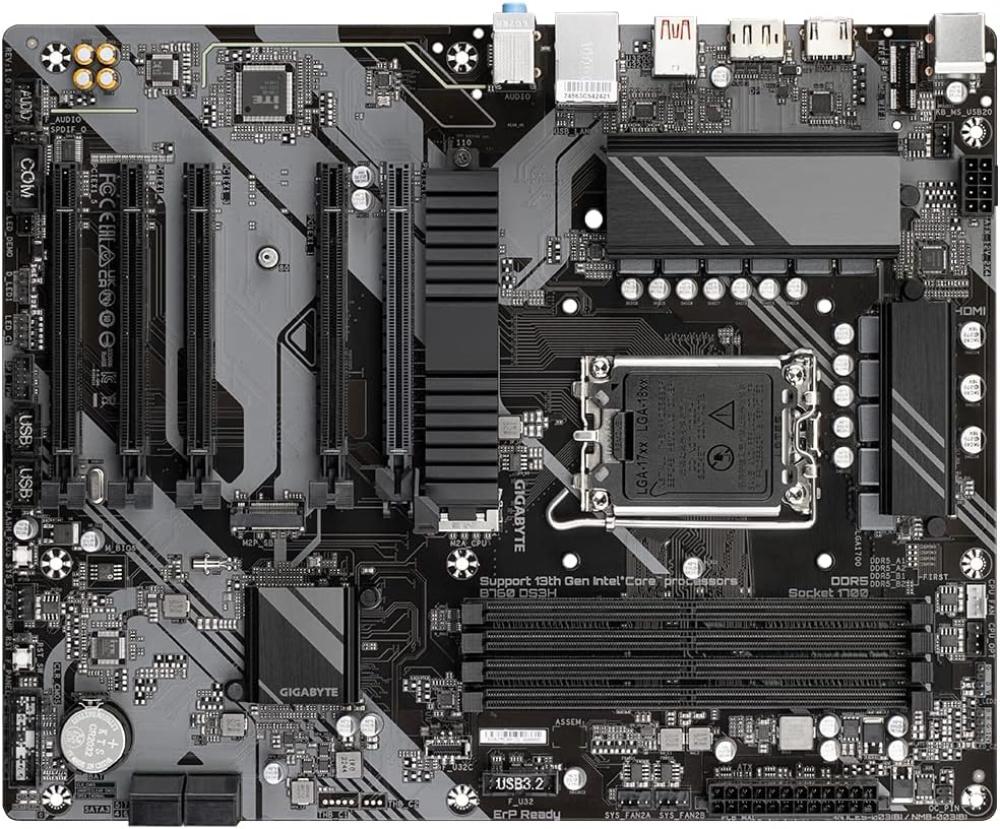
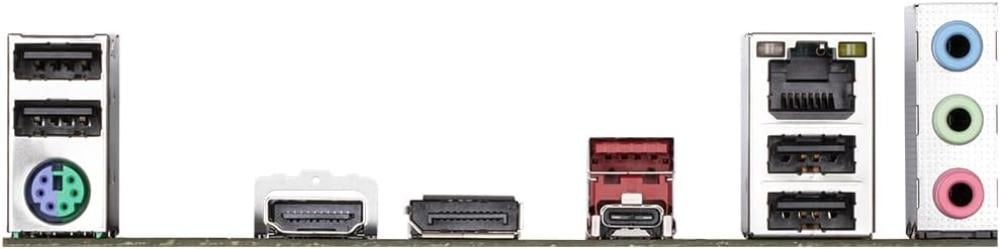



The GIGABYTE B760 DS3H motherboard features the LGA1700 socket and DDR5 memory for ATX builds. Its expansion, storage and connectivity options are detailed below so you can check compatibility with your components.
Key features:
- DDR5 support across 4 slots, up to 256GB.
- Memory speed: 7600MT/s (OC); depends on the CPU, number of modules and the QVL.
- Graphics expansion: 1× PCIe 4.0 x16.
- Storage: 2 M.2 slots and 4× SATA 6Gbps.
- Wired network: 1× Realtek Gigabit Ethernet, up to 1Gbps.
- USB-C: rear: 1× 20Gbps; front: 1× 5Gbps.
Technical Specifications
| Specification | Details |
|---|---|
| Socket | LGA1700 |
| Chipset | Intel B760 |
| Size | ATX (30.5 × 24.4 cm) |
| Memory Type | DDR5 |
| Memory Slots | 4 |
| Max Memory | 256GB |
| Max Memory Speed | 7600MT/s (OC); depends on the CPU, number of modules and the QVL |
| PCIe Slots | 1× PCIe 4.0 x16; 4× PCIe 3.0 x16-length (x1 electrical) |
| M.2 Slots | 2 slots. M2A_CPU: PCIe 4.0 x4, 22110/2280; M2P_SB: PCIe 4.0 x4, 2280 |
| SATA Ports | 4× SATA 6Gbps |
| Wi-Fi | No built-in Wi-Fi |
| Bluetooth | No built-in Bluetooth |
| Ethernet | 1× Realtek Gigabit Ethernet, up to 1Gbps |
| USB Ports | Rear 6: 1× Type-C 20Gbps; 1× Type-A 10Gbps; 4× USB 2.0. Internal headers support up to 7: 1× Type-C 5Gbps; 2× USB 5Gbps; 4× USB 2.0 |
| USB-C Ports | Rear: 1× 20Gbps; front: 1× 5Gbps |
| Audio | Realtek 7.1-channel; S/PDIF support |
| BIOS Update Button | Q-Flash Plus |
| Supported CPUs | Intel Core 12th / 13th / 14th Gen, plus compatible Pentium Gold and Celeron; a BIOS version compatible with your CPU model is required |
| Memory Profiles & Compatibility | Dual Channel; XMP |
| Display Outputs | 1× HDMI 2.1 up to 4096×2160/60Hz; 1× DisplayPort 1.2 up to 4096×2304/60Hz; requires integrated graphics and CPU/display compatibility |
| Power Connectors | 1× 24-pin ATX; 1× 8-pin CPU |
| Cooling Headers | 1× CPU fan; 1× CPU fan/pump; 3× system fan; 1× system fan/pump |
| Lighting Headers | 2× ARGB; 2× RGB |
| Compatibility Notes | Listed memory speeds are overclocked (OC) and require a compatible CPU, memory and BIOS version. |
Front USB ports require a case or accessory with compatible connectors. Check the supported CPU and memory lists before installation.